
Spreadsheet editor
Build spreadsheets with formulas, save as XLSX or CSV.
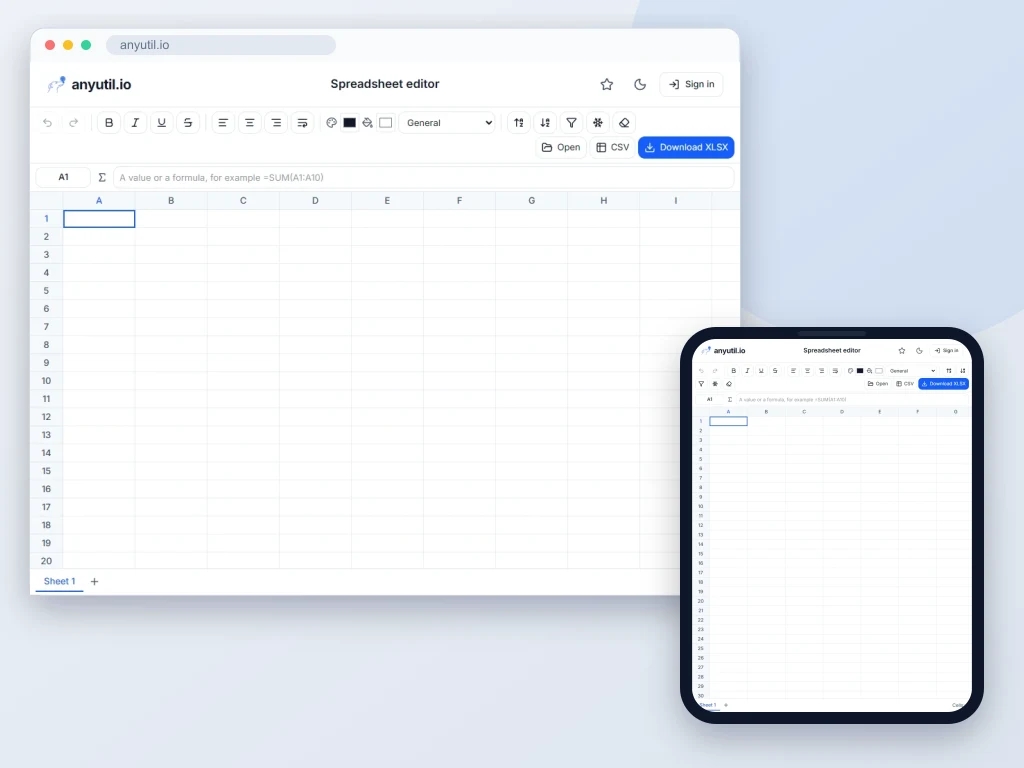
Open full screen
Runs in your browser, your files stay on your computer.
- Runs right in your browser
- Free, no sign-up
More about Spreadsheet editor
Spreadsheets in the browser, without Excel
Open the editor with the button above. Start with a blank workbook or one of the templates (household budget, expense tracker, task list, monthly sales, timesheet, inventory), or open a workbook you already have: XLSX, ODS from LibreOffice or CSV. Type straight into the cells; a formula starts with an equals sign and is calculated the moment you confirm it. Download the finished workbook as XLSX for Excel, LibreOffice Calc and Google Sheets, or as CSV.
- Formulas: over 130 functions from
SUMandAVERAGEtoVLOOKUP,XLOOKUP,SUMIFSandIF, including working days and the date functions. Separate arguments with commas or semicolons. While you type, the editor suggests functions and shows their arguments, and F4 toggles an absolute reference such as$A$1. - Command search: Ctrl + K finds any menu command, a function with its description, a sheet of the workbook, or jumps to a cell such as
C15. - Formatting: a format bar above the table and a properties panel beside it. Font and size, bold, italic, underline, text and fill colour, borders including inner lines, horizontal and vertical alignment, text wrapping, merged cells, number formats with decimal places and a currency of your choice ($, €, £) and a format painter.
- Conditional formatting and drop-down lists: cells colour themselves by value, such as amounts over a limit in red, overdue dates or duplicates, and the grid shows the result as you set up the rule. A cell can be limited to the values from a list.
- Working with the table: sorting, by several columns too, a filter above the columns, find and replace, AutoSum, removing duplicates, splitting text into columns, pasting only values, only formats or with rows and columns swapped, freezing the first row or column and zoom from 50 to 200%. A chip below the table shows the sum, average and count of the selection.
- Formulas keep up with changes: inserting and deleting rows or columns, moving cells by cutting them and renaming a sheet update the references on every sheet; a reference to a deleted cell turns into
#REF!. - Comments and links: add a note to a cell and turn text into a link to a website or an email address right in a bubble next to the cell.
- Printing, PDF and charts: print the sheet or save it as a PDF fitted to the page width, with the header repeated on every page. Open the selected data in the Chart from a table tool with one click.
- Filling series: drag the handle in the corner of the selection to continue numbers, dates, "Item 1", weekdays and months; formulas shift as when copied. While typing a formula, click the grid to insert a reference to a cell or a dragged range.
- Multiple sheets: add, rename, duplicate and drag sheets. A formula can point at another sheet, for example
=Data!A1*2. - Editing on a phone: formatting, cells, data and inserting live in the bottom bar; stretch the selection by its corner handles, double-tap a cell to type, and hold a finger to open the row, column or sheet menu.
Every workbook you work on is saved in the browser's storage as you go, so it survives closing the tab or reloading the page; you will find your drafts on the start screen and in the File menu. Nothing is sent to a server unless you save the workbook to your account.
Keyboard shortcuts
- Arrows move the selection, Shift extends it, Ctrl + arrow jumps to the edge, Ctrl + G goes to an address
- Typing replaces the cell, F2 or a double-click edits it, Enter confirms and moves down, Tab across, Ctrl + Enter fills the whole selection, Delete clears the contents
- Ctrl + C, X, V copy and paste with formulas, Ctrl + Shift + V pastes values only, Ctrl + Z undo
- Ctrl + B, I, U formatting, Ctrl + 1 format cells, Alt + = AutoSum
- Ctrl + K searches commands and functions, Ctrl + F finds in the sheet, Ctrl + H replaces, Ctrl + D and Ctrl + R fill the selection down and right
- Shift + Space selects the row, Ctrl + Space the column, Ctrl + + and Ctrl + − insert and delete rows or columns, Ctrl + ; inserts today's date
- Ctrl + Shift + K inserts a link, Shift + F2 a comment, Alt + ↓ opens a cell's drop-down list, Shift + F11 adds a sheet
- Ctrl + S saves to your account, Ctrl + Shift + S downloads the XLSX, Ctrl + O opens a file, Ctrl + P prints or saves a PDF. View → Keyboard shortcuts lists them all.
Frequently asked questions
Will the result open in Excel?
Yes. The downloaded file is an ordinary XLSX in the Office Open XML format, values, formulas, number formats with decimal places and currency, colours, merged cells, comments, links, drop-down lists and conditional formatting included.
Is any data sent to a server?
No. The calculations and the file assembly both run in your browser, so you can open a payroll or revenue table even on a machine nothing is allowed to leave.
Which functions does the editor know?
Over 130 functions: maths (SUM, AVERAGE, MIN, MAX, ROUND, SUBTOTAL, SUMPRODUCT), logic (IF, IFS, SWITCH, IFERROR, IFNA), text (LEFT, MID, LEN, SUBSTITUTE, TRIM, TEXTJOIN, TEXT), lookup (VLOOKUP, XLOOKUP, XMATCH, MATCH, INDEX), conditional totals and counts (SUMIF, SUMIFS, COUNTIFS, AVERAGEIFS, MAXIFS, MINIFS), statistics (LARGE, SMALL, RANK, MEDIAN, STDEV) and dates (TODAY, DATE, EDATE, EOMONTH, NETWORKDAYS, WORKDAY, DATEDIF, WEEKNUM). Type an equals sign in the command search to see them all with descriptions. An unknown function shows up as the #NAME? error.
Can it handle a large table?
Yes: a CSV with ten thousand rows opens in a fraction of a second, and the grid renders only the visible cells, so thousands of rows scroll smoothly. A sheet holds up to 20,000 rows; a larger file opens with its first 20,000 rows and the editor tells you so. The workbook lives in the browser's memory: for hundreds of thousands of rows a database is the better tool.
What can the editor not do?
Pivot tables, macros, hiding rows and columns, dynamic-array functions (UNIQUE, FILTER, SORT), OFFSET and INDIRECT. Charts are not embedded in the workbook: they are made in the Chart from a table tool as a PNG or SVG image. Use Excel or LibreOffice Calc for the rest; a file from our editor opens in them normally.
How do I print the sheet or save it as a PDF?
From the File menu or with Ctrl + P. Choose the whole sheet or just the selection, landscape orientation, fitting to the page width, gridlines and a repeated header. To get a PDF, pick "Save as PDF" in the browser's print dialog.
Does the editor work in dark mode?
Yes, the editor follows the site theme. Colours from the workbook stay readable: text that would disappear on a dark cell is shown lighter, without changing the file. To see the sheet as it would look on paper, turn on View → Light sheet.
Which decimal separator is used?
The English convention: a decimal point and a comma between thousands. When typing we accept both, so 1234.5 and 1 234,5 end up as the same number.