
PDF editor
Edit text, sign, redact and reorder pages, all in your browser.
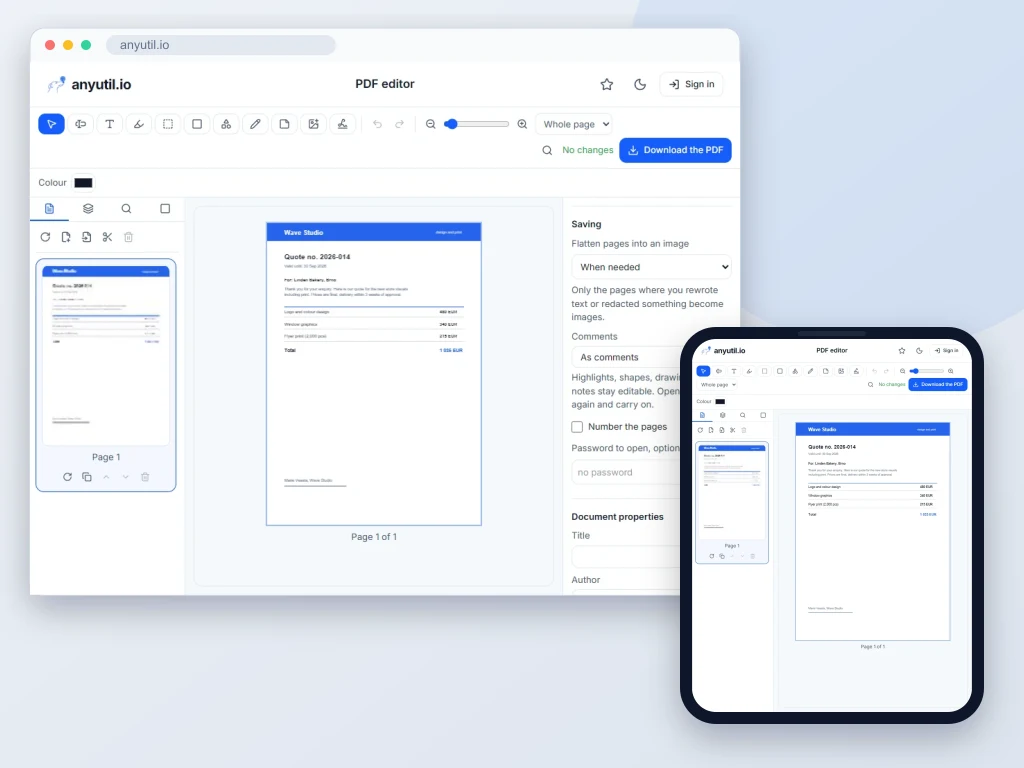
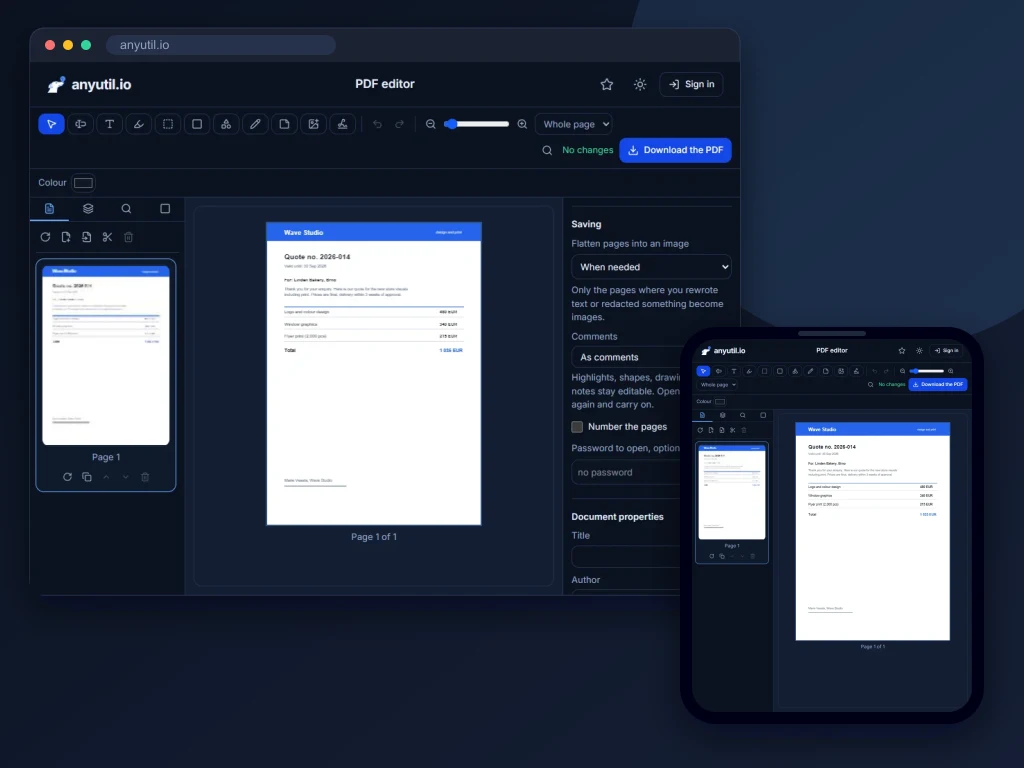
Open full screen
Runs in your browser, your files stay on your computer.
- Runs right in your browser
- Free, no sign-up
More about PDF editor
A PDF editor that runs in the browser
Open a PDF and work on it directly: rewrite a line of the existing text, select and copy text, highlight, underline, strike out or squiggle it, cover something with a white box, add text, shapes, freehand drawing, notes, images, links and stamps, and drop in a signature. Images, text and stamps rotate with a handle. Pages can be rotated, cropped, resized to another format, reordered, deleted or pulled in from another file, and a watermark or a header and footer can be written onto every page.
Search, bookmarks, comments and form fields open from the panel bar next to the page list, every command is in the menus at the top or a Ctrl+K search away, the document can be read continuously or one page at a time, with a dark page mode for the evening, and it prints straight from the editor. A scanned page can be recognised (OCR) so its text becomes searchable, a password-protected file opens once you enter the password, and on saving you can set a new password together with what the reader may do: print, copy, edit or annotate. Unfinished work is kept in the storage of your own browser and offered for recovery the next time you open the editor.
Everything happens in your browser. The document is never uploaded, which is the whole point for a contract, an invoice or anything with personal data in it.
It works on a phone too: two fingers zoom the document, a double tap opens a line of text for rewriting, and the page and property panels slide up from the bottom. A signature drawn with a finger tends to look better than one drawn with a mouse.
A new document does not have to start blank either: pick one of sixteen templates (lined, squared, dotted and graph paper, daily, weekly and monthly planners, a to-do list, meeting notes, music staves, a storyboard, a habit tracker and more) in the page format you choose.
Two saving choices matter. Comments can stay editable so you can reopen the file and carry on, or be written permanently into the page. And pages with rewritten text can be saved as images when needed, always or never; a page with a redaction is always saved as an image, which is what makes the redaction genuinely irreversible.
Frequently asked questions
Does redaction really remove the text?
Yes. A black rectangle drawn over text would only hide it visually and leave it in the file, where anyone could select or extract it. So a page with a redaction is always saved as an image: the text underneath is gone, and an invisible text layer is added back only for the lines the redaction does not touch, so the rest of the page stays searchable.
Can I edit the original text?
Yes, line by line. Double-click a line and type over it; the tool keeps the position and reuses the font. It is meant for corrections (a date, a name, a number), not for reflowing whole paragraphs, which no PDF editor does well.
What about a signed PDF?
Saving your edits invalidates an existing electronic signature, because the signature covers the original bytes. The editor says so when it finds one, so the choice is yours.
Can I fill in a form?
If the PDF has real form fields, you fill them in right on the page or in the Form panel. The downloaded PDF keeps the form fillable by default; switch off “Keep the form fillable” in the document’s saving settings to write the values permanently into the page.