
Image editor
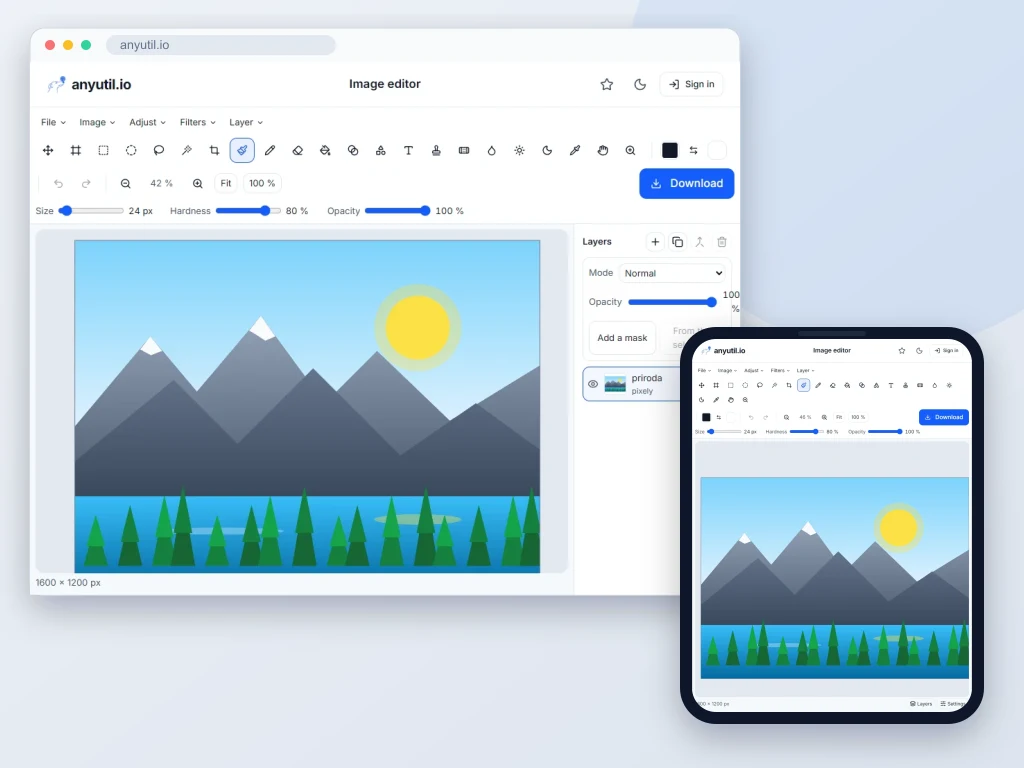
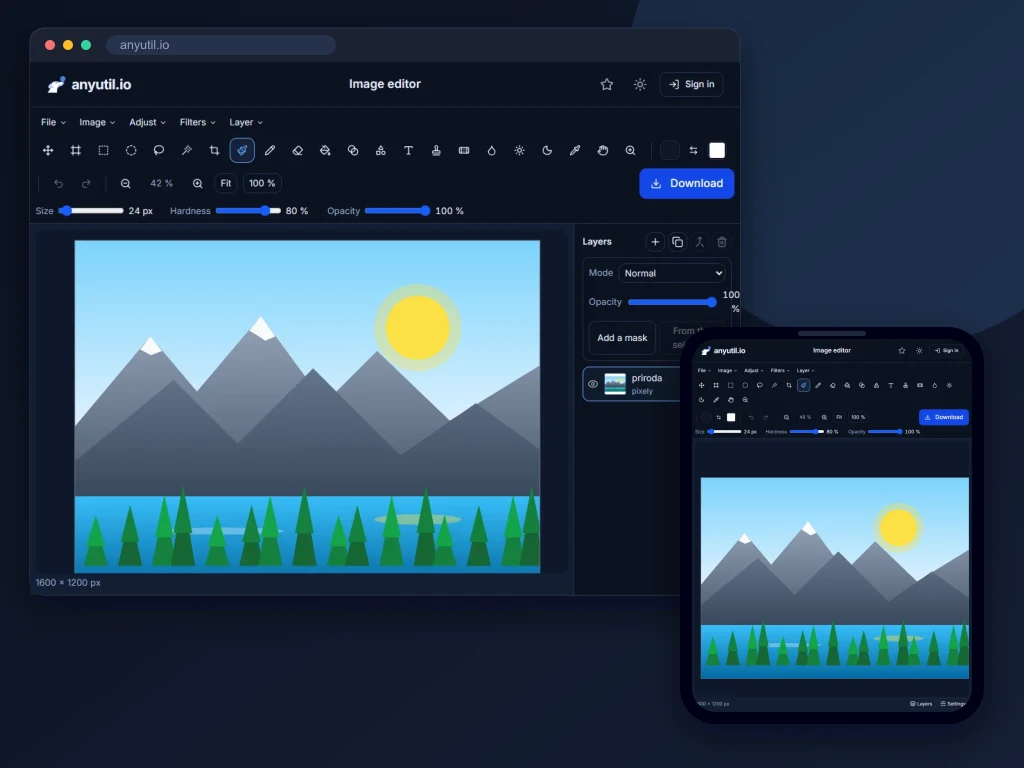
Layers, masks, selections, retouching, text, filters and PSD in the browser.
Open full screen
Runs in your browser, your files stay on your computer.
- Runs right in your browser
- Free, no sign-up
More about Image editor
A graphics editor right in the browser
Most online editors will crop an image and shift its colours. This one goes further: its menus, tools, panels and keyboard shortcuts follow Photoshop, and it works in layers, so you can come back to individual parts of the image and change them without losing the rest of the work.
- Layers with groups, masks, blend modes and styles such as drop shadow, glow or stroke. Colour adjustments can be added as adjustment layers and filters as smart filters, so you can change them later.
- Selections by rectangle, lasso, magic wand or quick selection, which follows edges by itself. You then refine the edge in Select and Mask.
- Painting and retouching: brushes with dynamics, gradients, clone stamp, healing brush, patch and content-aware fill, which fills the spot left by a removed object from its surroundings.
- Text and shapes: text layers you can retype at any time, the pen and vector shapes.
- Transforms: free transform, warp, perspective, puppet warp and cropping.
- Colours and filters with a preview: levels, curves, hue/saturation, Camera Raw, Liquify, the filter gallery and dozens more.
You can open PSD, PNG, JPG, WebP, GIF, BMP, TIFF, AVIF, HEIC and SVG, and save the finished work as PNG, JPG, WebP, AVIF, GIF, TIFF, PDF or back to PSD. Work in progress can also be saved as a project with all its layers, to carry on with next time.
The image stays on your computer and is not uploaded to our server unless you save the project to your account yourself. The editor is free, needs no account and has no daily limit.
Frequently asked questions
Are the layers kept when I save?
Not in PNG, JPG or WebP: those formats have no layers and the image is flattened into one. When you want to carry on later, save a project: it remembers the layers, masks, styles and smart objects. For work in Photoshop you can also save a PSD.
Does the editor open Photoshop files?
Yes. It opens PSD files with their groups, masks, layer styles and adjustment layers, and it can save your work as PSD too, so you can carry on in Photoshop. Besides that it opens PNG, JPG, WebP, GIF, BMP, TIFF, AVIF, HEIC, SVG and its own projects.
Can it handle big photos from a camera?
Yes. Heavy computations run in the background so the editor does not freeze, but your browser still does them, so with shots of several tens of megapixels filters and large brushes can get noticeably slower. It helps to resize the image first to the resolution you actually need.
I only need to remove a background or blur something.
Single-purpose tools are quicker for that: background removal and blurring faces. The editor earns its keep when there are more edits and you want them under your control.
Do you store the images I open?
No. The image is opened in your browser and never sent anywhere. The editor only keeps your recently opened files and regular backups of unsaved documents in the storage of your browser, so you can restore them after closing the tab by mistake. Still, remember to download the finished result.